 NICEtoREADtoo
Free classics to read in the app: how NICEtoREADtoo Reader works
Great public domain novels, carefully laid out for your phone or computer, some of them in both English and Italian
There are books we all say we will read one day, and that always stay at the bottom of the list: the great nineteenth-century novels, the stories we studied at school without really loving them, the classics that feel too demanding for an ordinary evening. Often all it takes is finding them in the right place, ready to go, with a comfortable font and the chance to read ten pages on the bus.
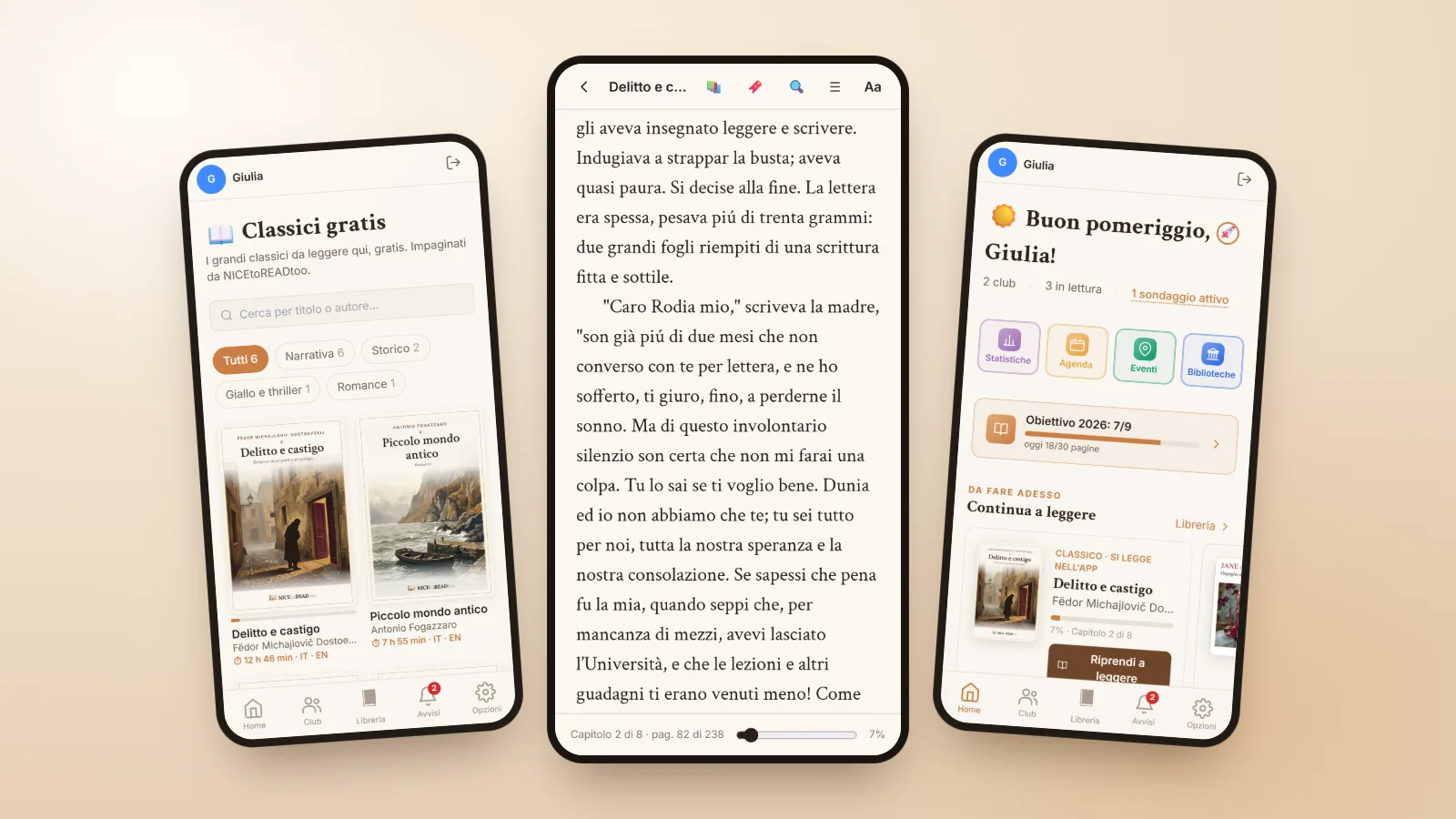
NICEtoREADtoo Reader was made for this. It gathers free classics to read from the public domain, laid out and edited by our team, and places them inside the app, next to your library and your clubs. Some titles are available in both English and Italian, and you can switch from one language to the other without losing your place.
A page for every classic
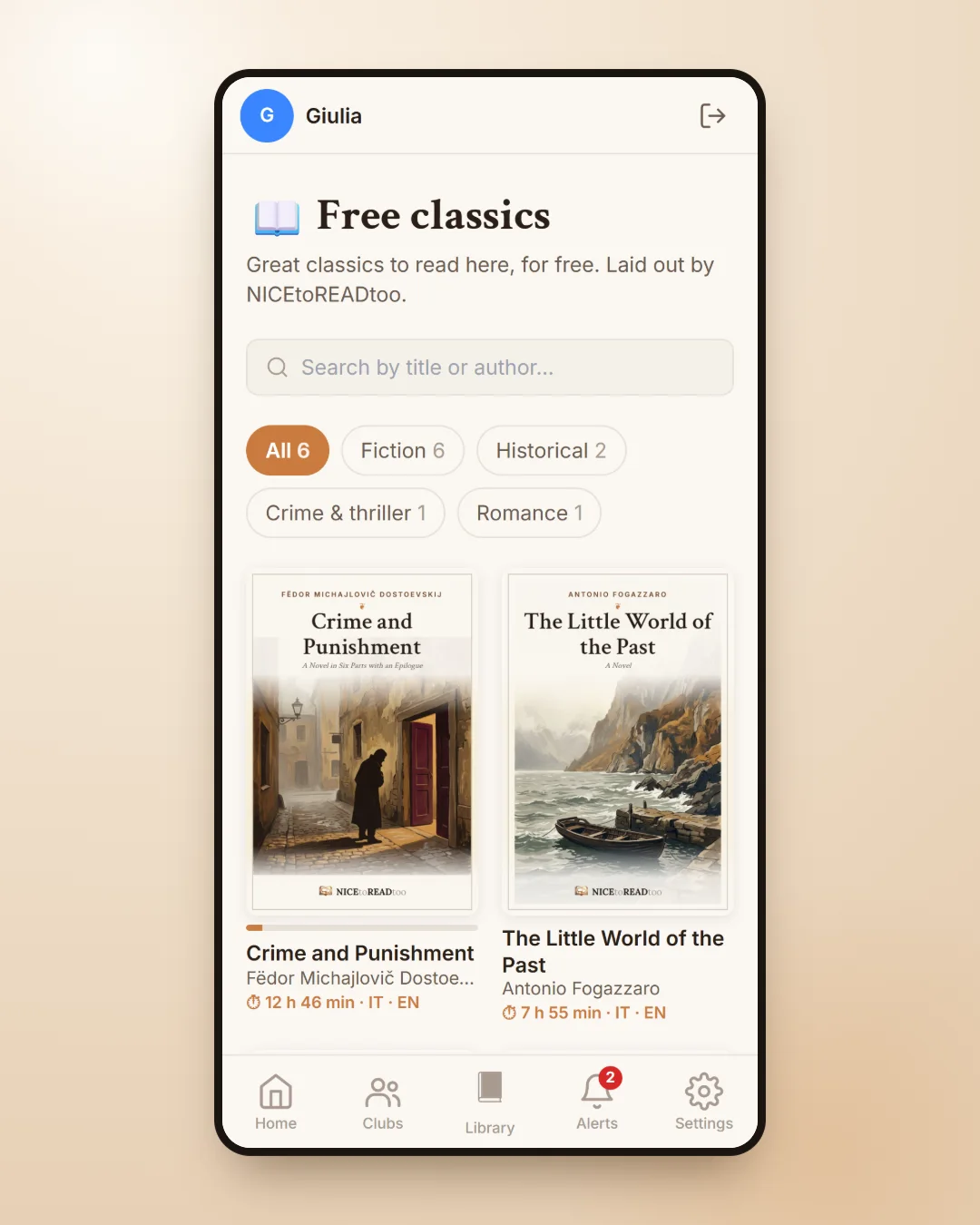
You will find the classics on the Home page, in the NICEtoREADtoo Reader section, or in All classics, where you can filter them by genre and search by title or author. Each book has a page that helps you choose: the plot, the author and their time, why it is worth reading, a few curiosities, the number of pages and chapters and the estimated reading time.
From that page you can add it to your Library like any other book, so it appears in your lists and your statistics. Among the titles you will find great novels such as Dostoevsky's Crime and Punishment and Fogazzaro's The Patriot (Piccolo mondo antico), alongside short novels and stories that suit anyone who wants to start again gently.
Comfortable reading on your phone or computer
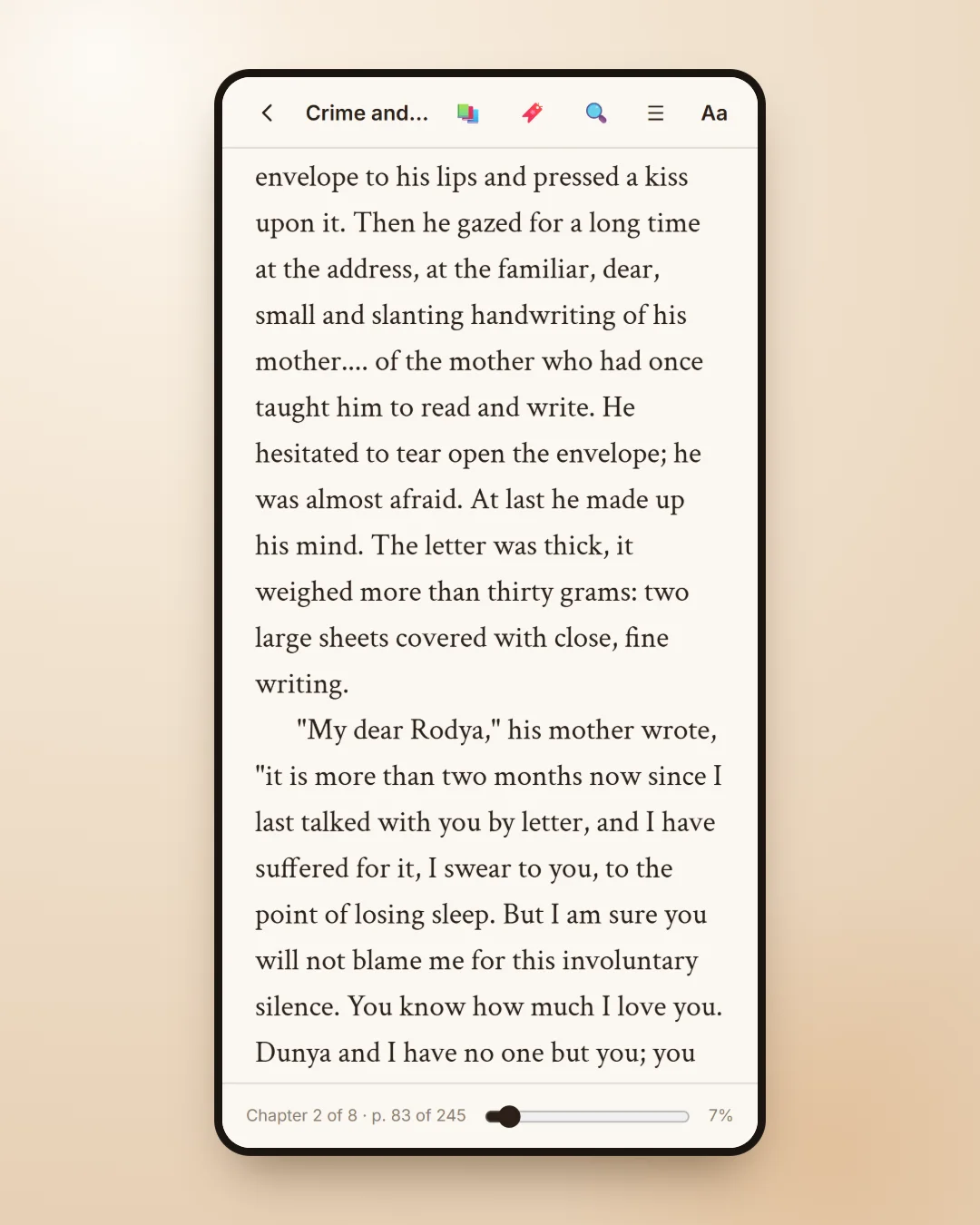
The reader is designed to be easy on the eyes. You turn the page by tapping the edges of the screen or swiping, and from the Aa button you choose the text size, the font, the page theme between Paper, Sepia and Evening, page or scroll mode and the text alignment. For bilingual books, the same panel lets you switch language and stay at the same point in the text, a small but precious help if you are learning Italian or want to compare a translation.
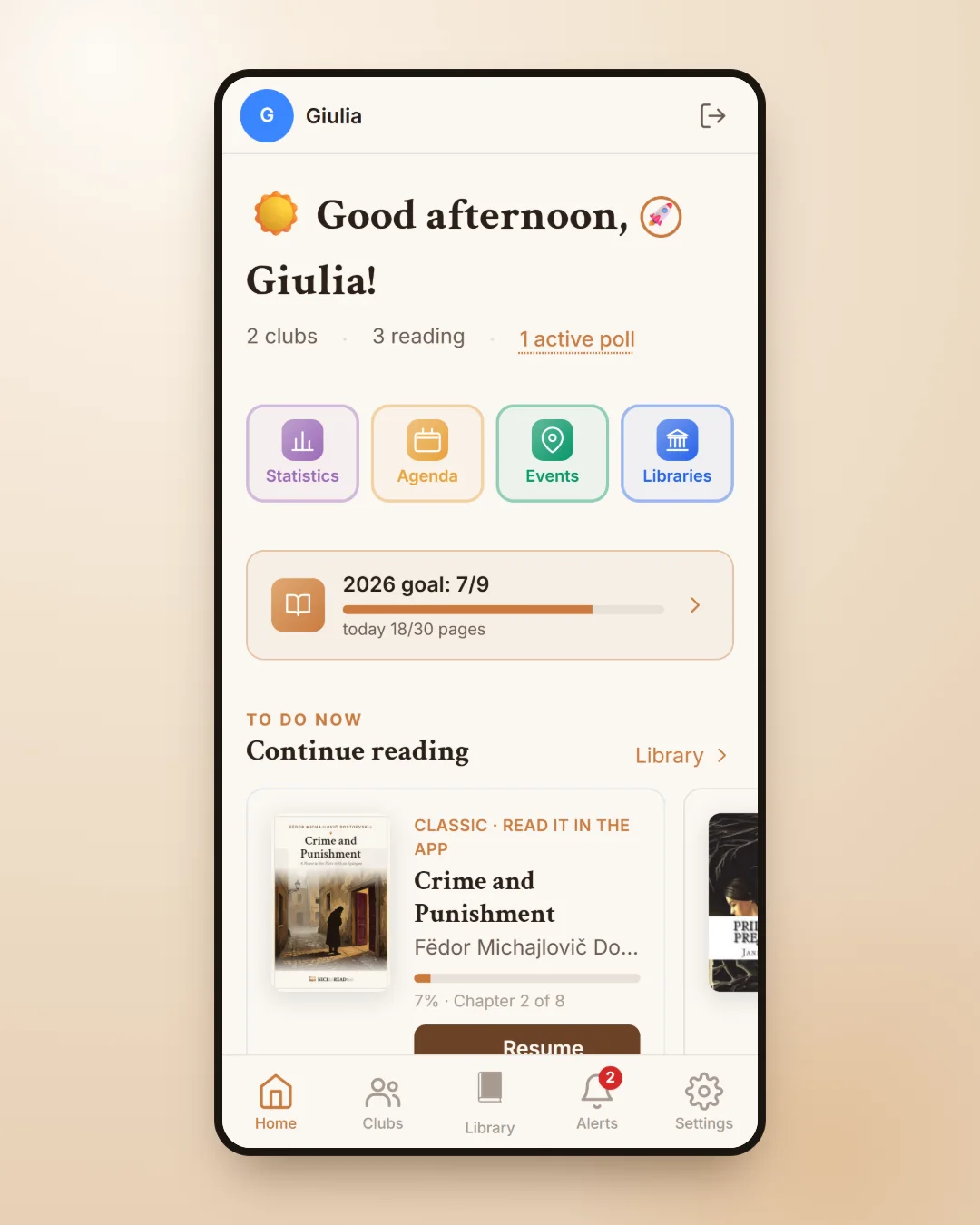
Your place is saved automatically: when you open the book again, even on another device, you start right where you stopped. Your reading percentage appears on the Home page under Continue reading, and the pages you read also count in your Reading planner.
Quotes, bookmarks and search inside the book
While reading you can open your Library page for the book on top of the reader, to add a quote, a place, a tag, your rating or a note. With the paid plans the reader becomes even more comfortable: you select a passage and save it straight away as a quote, place or tag; you add your own bookmarks with a title and a colour; you drag the book bar to jump to any chapter; and you search for a word or a phrase across the whole novel, regardless of accents and capital letters.
Free classics and unlocks on the Free plan
With the Plus, Premium and Premium Plus plans you can read every classic. On the free plan you read the ones marked Free straight away and, for every seven days you open the app, you earn an unlock: you choose which other classic to open, and that book stays yours for good, even if you change plan one day. Simply opening the app is enough for the day to count, even if you do not read.
The covers show you the status of each title at a glance, marked Free, Unlocked or To unlock, and on the page of a locked classic you can see how many unlocks you have and in how many days the next one arrives.
A classic to get back into reading
If it has been a while since you read a whole novel, a short classic can be the gentlest way to start again: you open it when you have ten minutes, your place is waiting, and the book page already tells you how long it will take to finish. And if you want to share it, you can suggest it as the book of the month in your book club.
To get to know the rest of the app, from your personal library to events, there is an overview in NICEtoREADtoo, the app for people who love reading.
Frequently asked questions
Are the classics in NICEtoREADtoo Reader really free?
Yes. On the free plan you read the classics marked Free straight away, and for every seven days you use the app you can open another one, which stays yours for good. With the Plus, Premium and Premium Plus plans you can read every classic.
Which classics can I read?
Great public domain works, laid out and edited by NICEtoREADtoo, such as Dostoevsky's Crime and Punishment and Fogazzaro's The Patriot (Piccolo mondo antico). The full list is in All classics, with genre filters.
Can I read the classics in English?
Some titles are available in both English and Italian: from the Aa panel you switch language and stay at the same point in the text.
Is my place saved if I change device?
Yes. Your place is saved automatically, and when you open the book again on your phone or computer you start from there.
Can I change the font and page colour?
Yes. From the Aa button you choose the text size and font, the page theme between Paper, Sepia and Evening, page or scroll mode and the alignment.
Do the pages I read in the Reader count towards my reading goals?
Yes. The pages you read in the Reader count in your Reading planner, and the classic joins your Library like any other book.