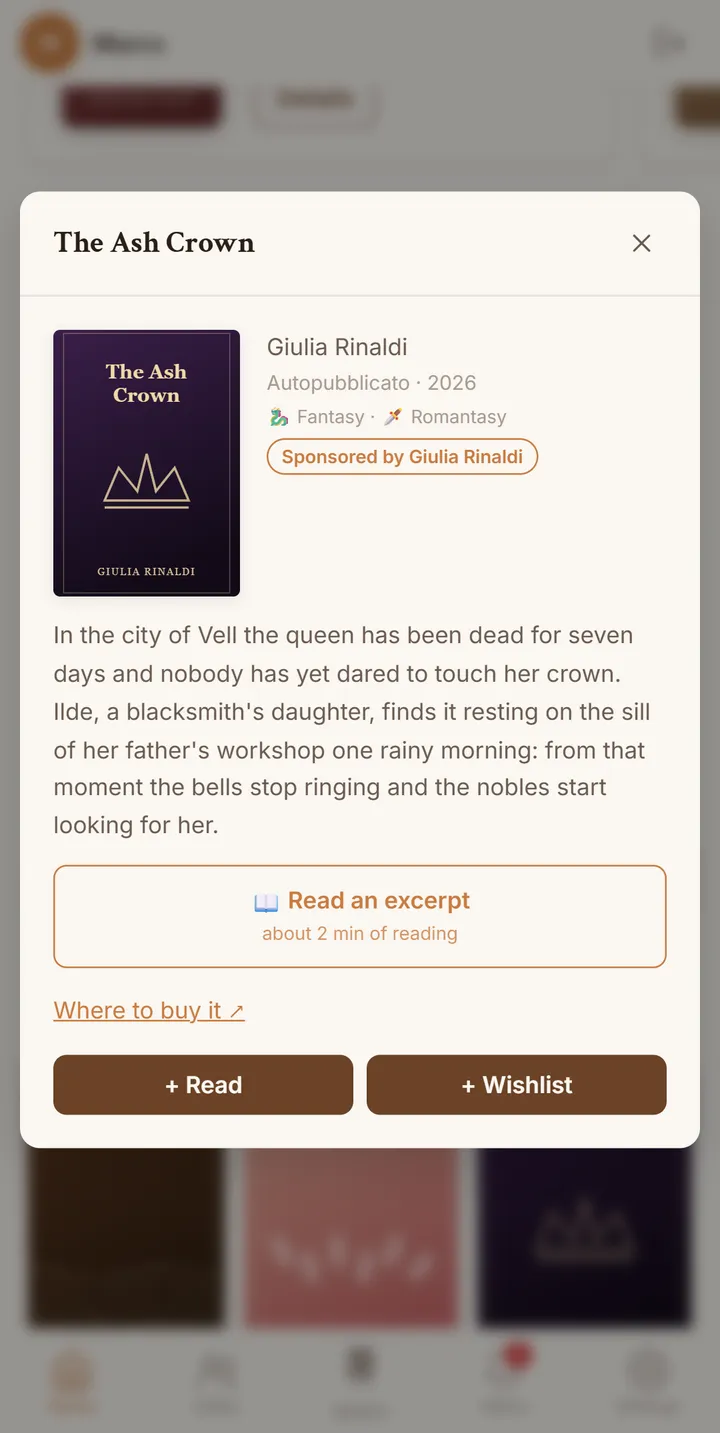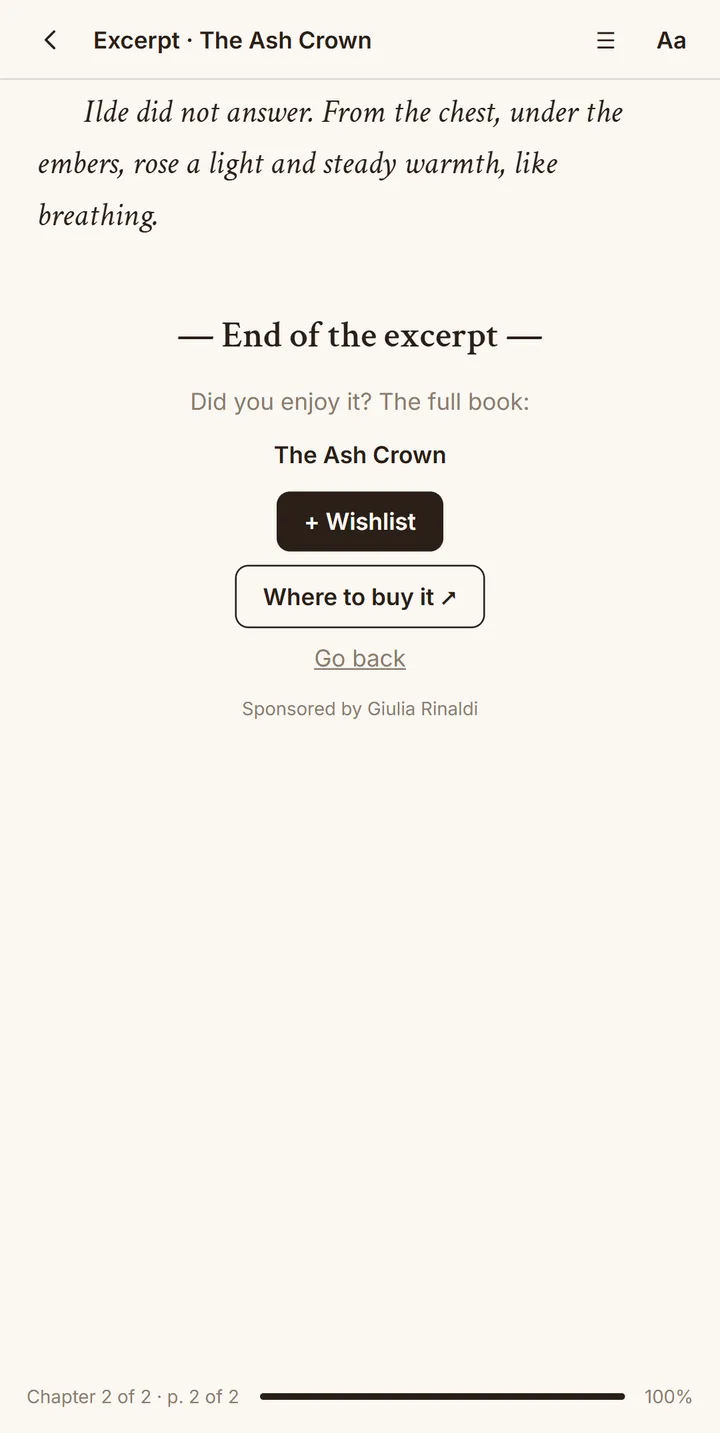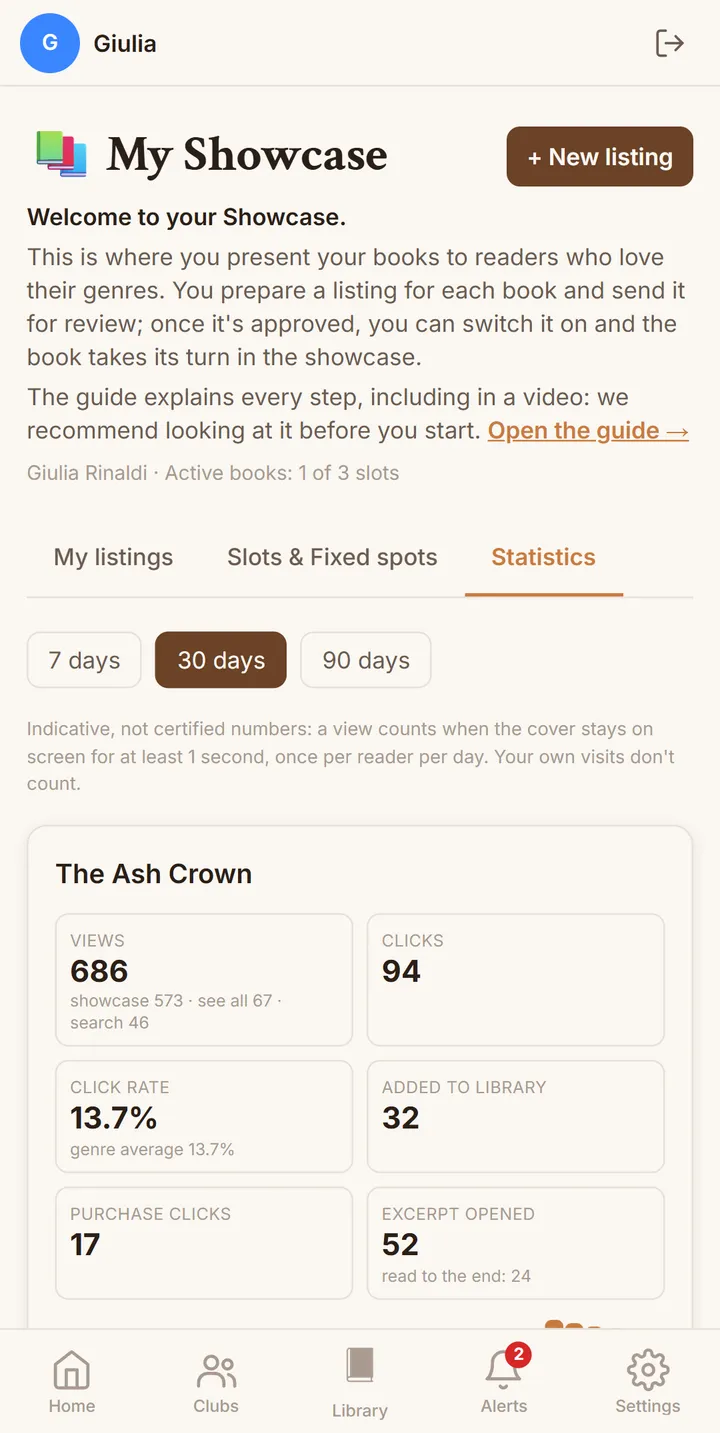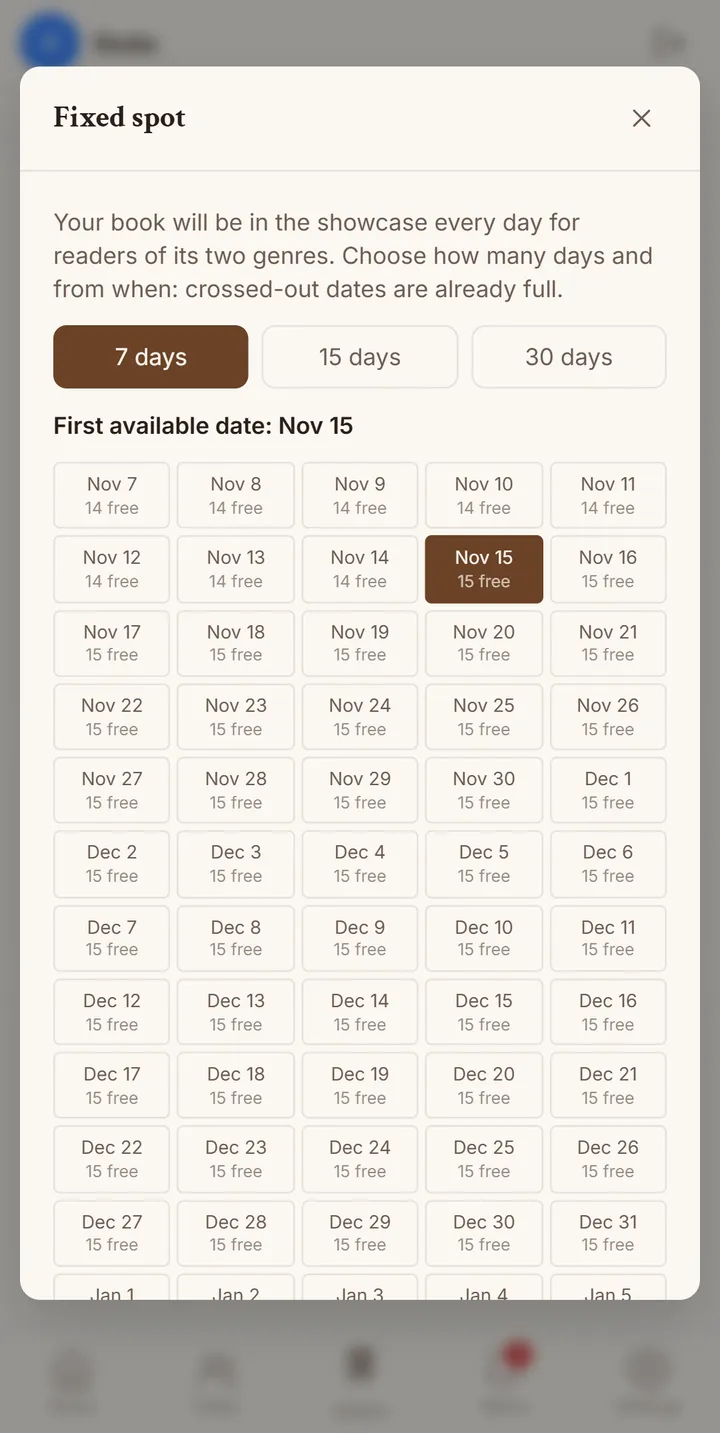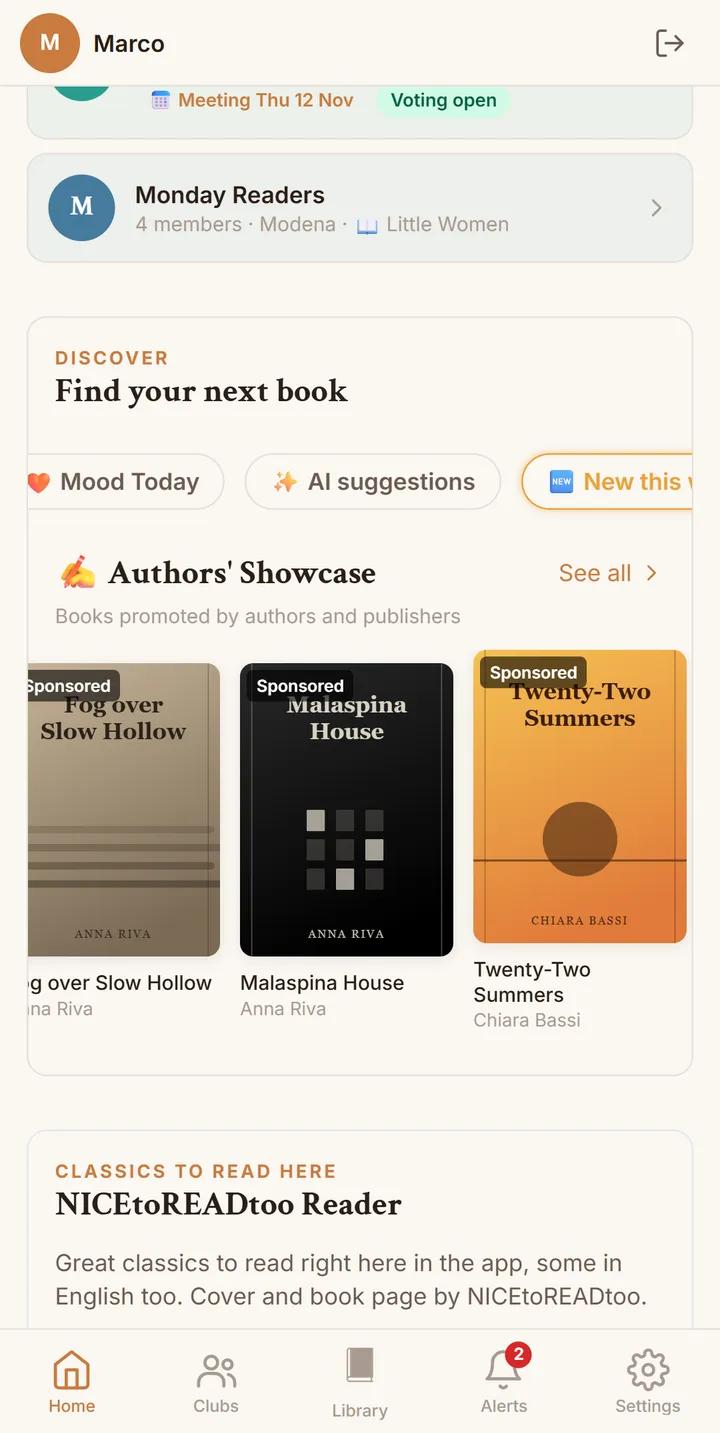
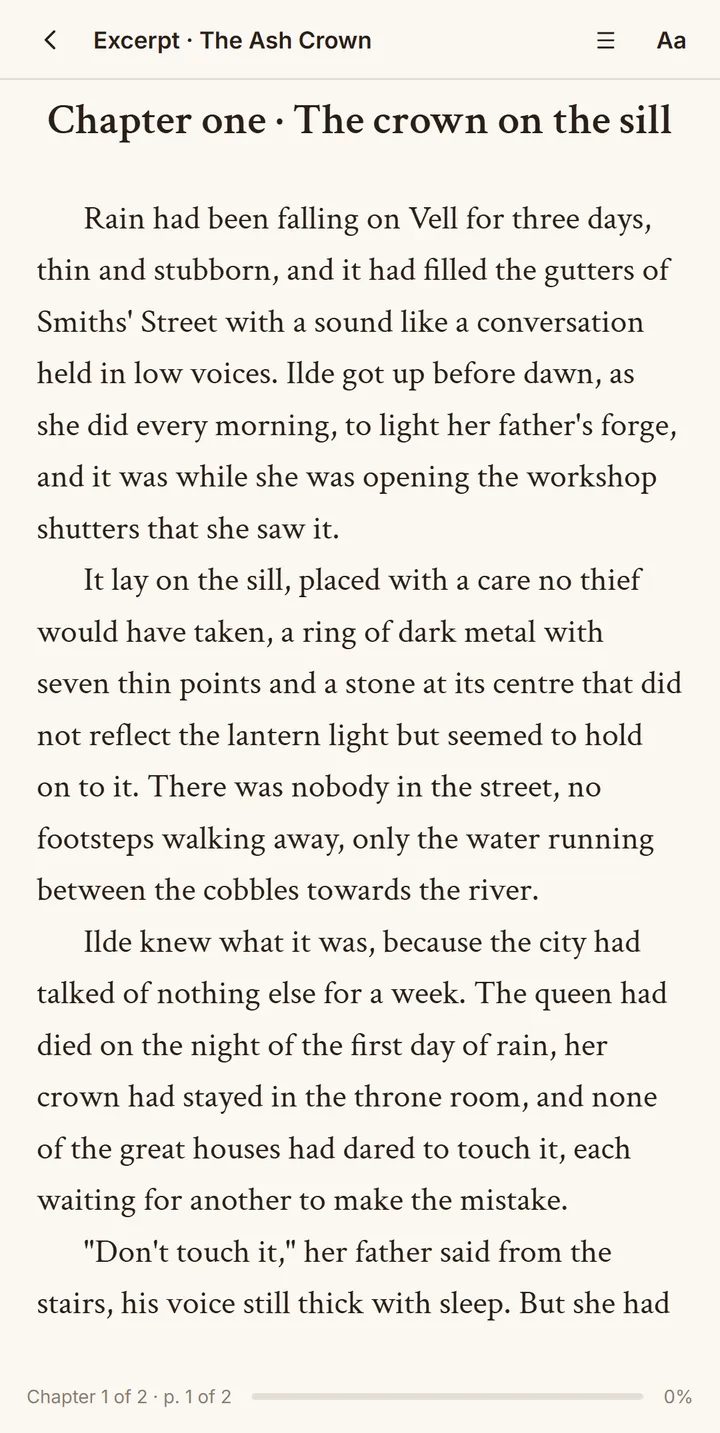
Video description: on the Home screen, in the «Authors' Showcase» row, the book covers are marked «Sponsored». Tapping «The Ash Crown» opens its page with author, genres and plot. With «Read an excerpt» the first chapter opens in the app's reader, with the same text settings as the classics. At the end of the excerpt the reader adds the book to the Wishlist or opens «Where to buy it».
How readers come across your book
Your book appears in the "Authors' Showcase" row on the Home screen and, when someone searches for the title or your name, in the "Featured" row above the results. Tapping the cover, the reader opens your listing, reads the excerpt in the app's reader and, at the end, can save the book to their Wishlist or go to your purchase link.
- Every reader first sees books from the two genres they chose, then from related genres.
- Every cover shows "Sponsored by" with your public name, clearly for everyone.
- The excerpt is read page by page, with the same fonts and themes as the classics in the app.